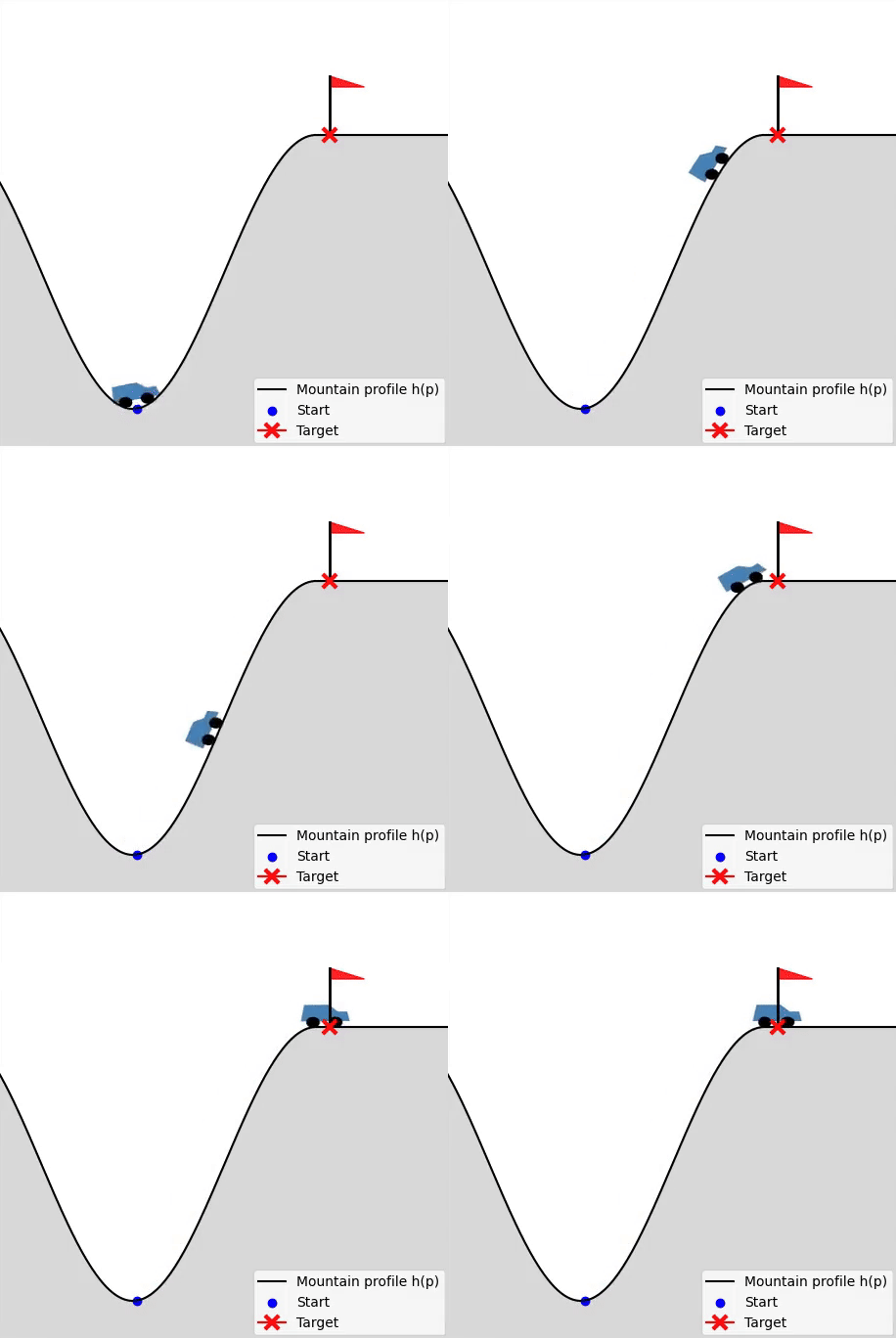
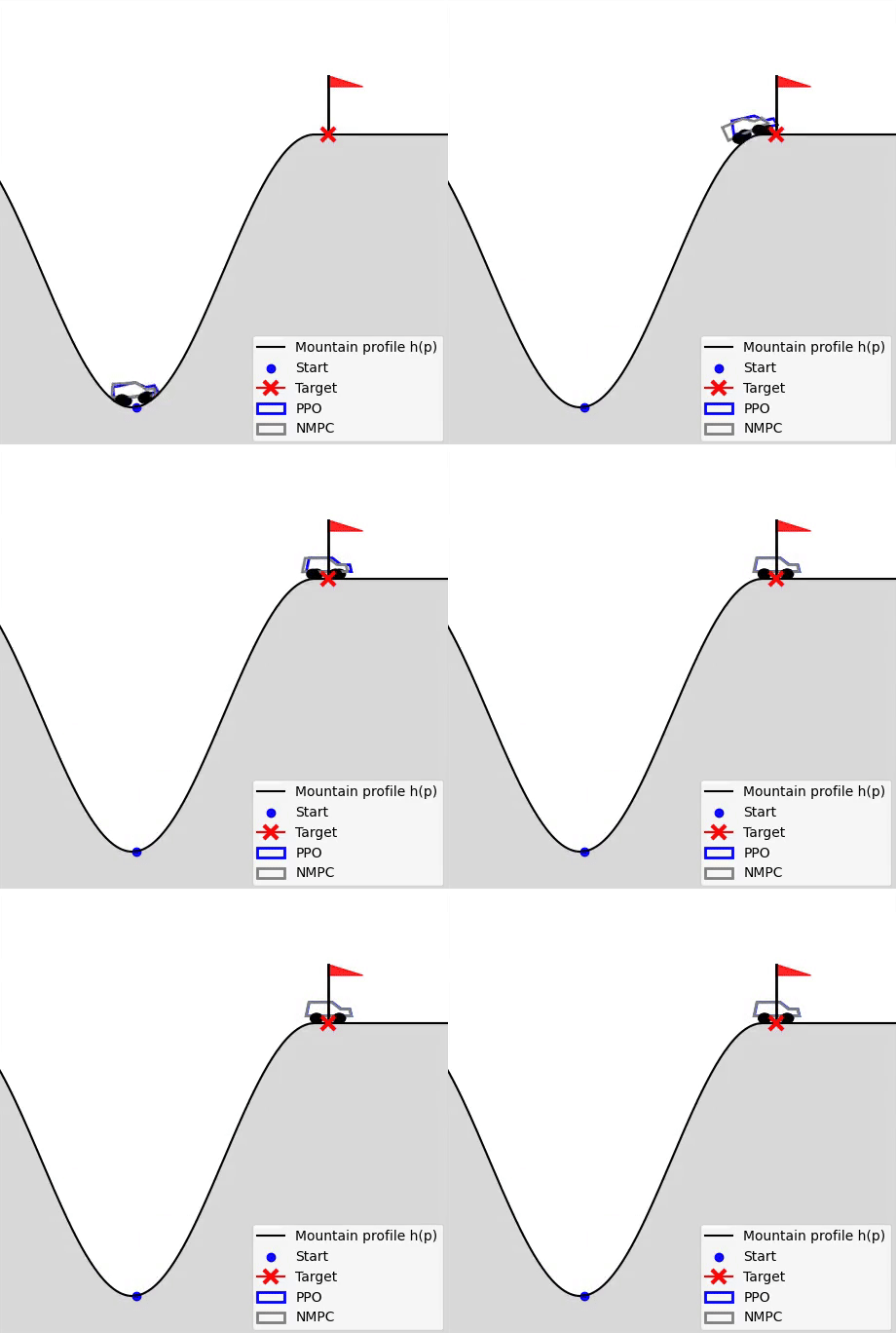
Interactive Examples
To support your learning experience, we provide a collection of Jupyter notebooks that offer an in-depth, hands-on exploration of the concepts covered in the lectures.
 All notebooks are available in our GitHub repository.
These notebooks contain full code implementations, visualizations, and animations for topics such as dynamic programming, LQR, and optimization. You may clone the repository to local and then execute them interactively.
Deepnote Interactive Version
For students who prefer an online, cloud-based environment, we also prepared Deepnote versions of all notebooks. Deepnote allows you to run, modify, and experiment with the notebooks directly in your browser—no local installation required.
How to Get Started:
If you only want to view the results, figures, and animations, you can simply open the notebooks in Deepnote—no setup or login is necessary. If you would like to modify parameters, run simulations, or experiment with the code, you will need to:
- Create a free Deepnote account, and
- Duplicate the project into your own workspace (via “Duplicate project” in Deepnote).
This will allow you to edit and execute every cell freely while keeping the original notebook intact.
Purpose of These Resources
These Jupyter notebooks and the accompanying Deepnote versions are designed to: provide an accessible and interactive complement to the lecture material, help you visualize dynamic systems and control algorithms, encourage hands-on experimentation with code, and support self-paced learning throughout the course.
Feedback and Issue Reporting
If you encounter any problems—whether in the GitHub notebooks or the Deepnote versions—you are welcome to report them by opening an issue in our GitHub repository. Your feedback helps us improve the materials for everyone.